
Customer & sales CRM
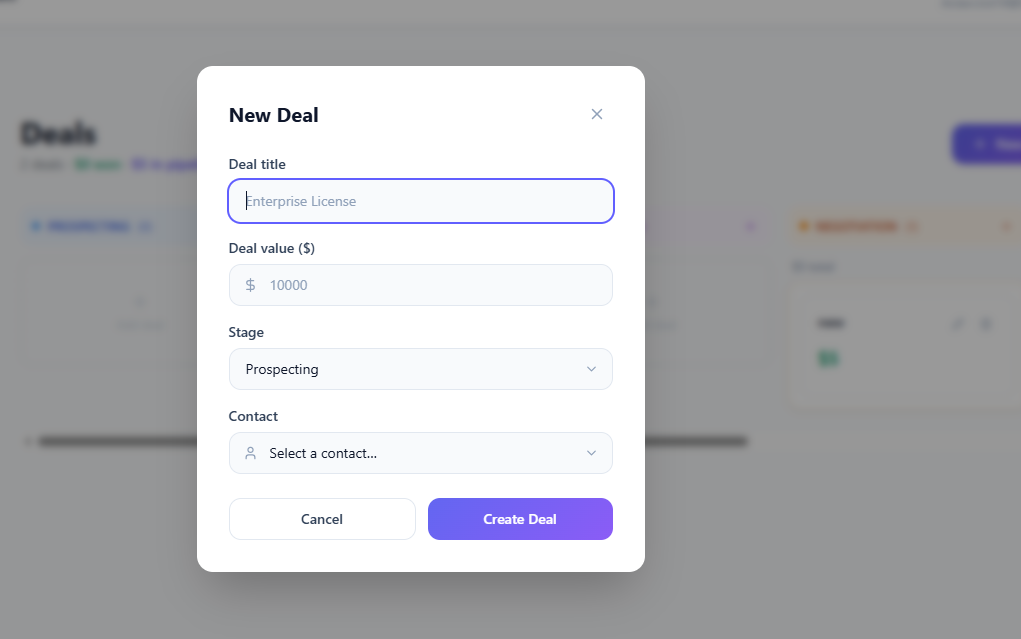 Full-stack web product · contacts, deals and activities▷ Screen preview
Multi-tenant CRM workspace
In-house product interfaces · sample data
Build customer, sales, inventory and approval tools with clear roles and data ownership
Define states and ownership for customers, inventory, bookings, approvals and settlements. Enforce permissions at the server and design for concurrent edits, duplicates and migration validation.
Before listing features, we define the inputs, decisions and next actions in a real working situation.
An illustrative scenario. Specific processing rules are agreed for the project.
A customer inquiry moves to sales review.
Connect the customer record to a deal and next task
When teams repeat data entry and checks across spreadsheets and separate tools
Specific features, integrations and operating support are agreed in the project proposal
See the scope, role and supplied interfaces for each project
In-house product interfaces · sample data
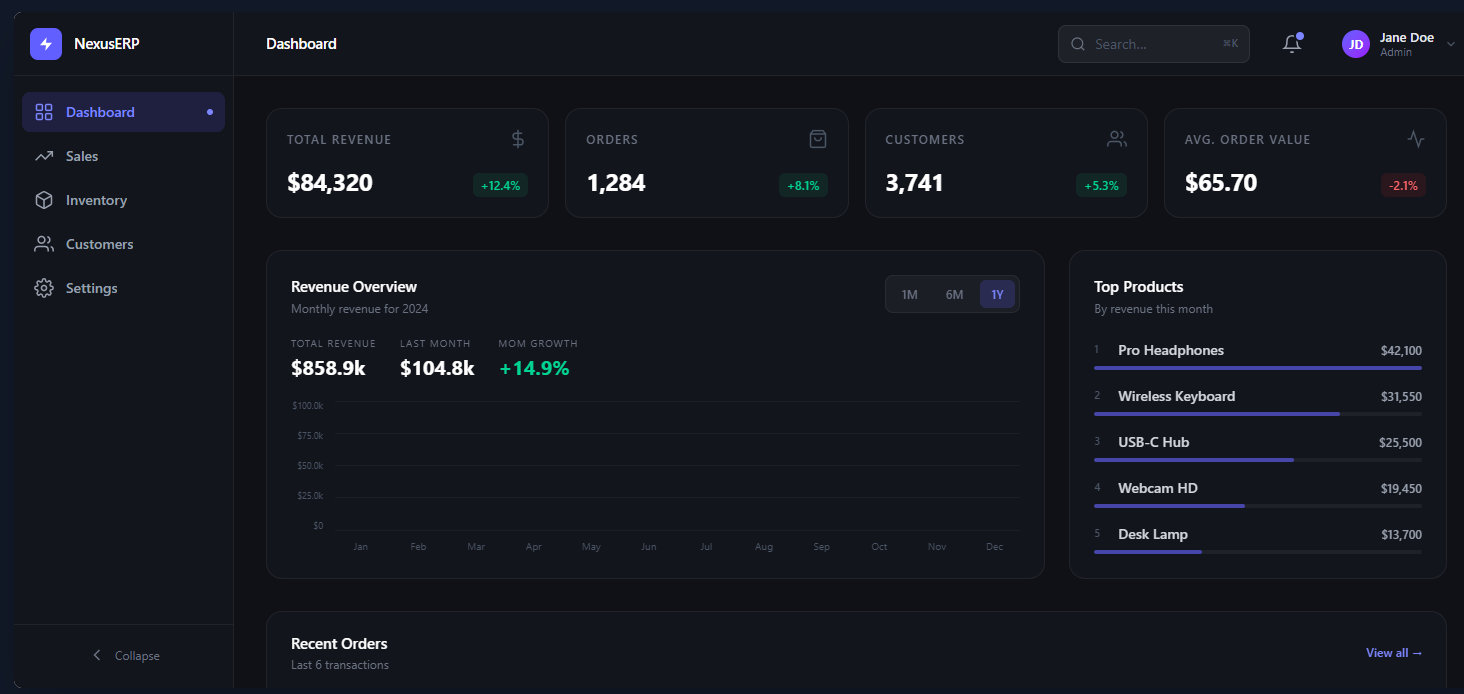
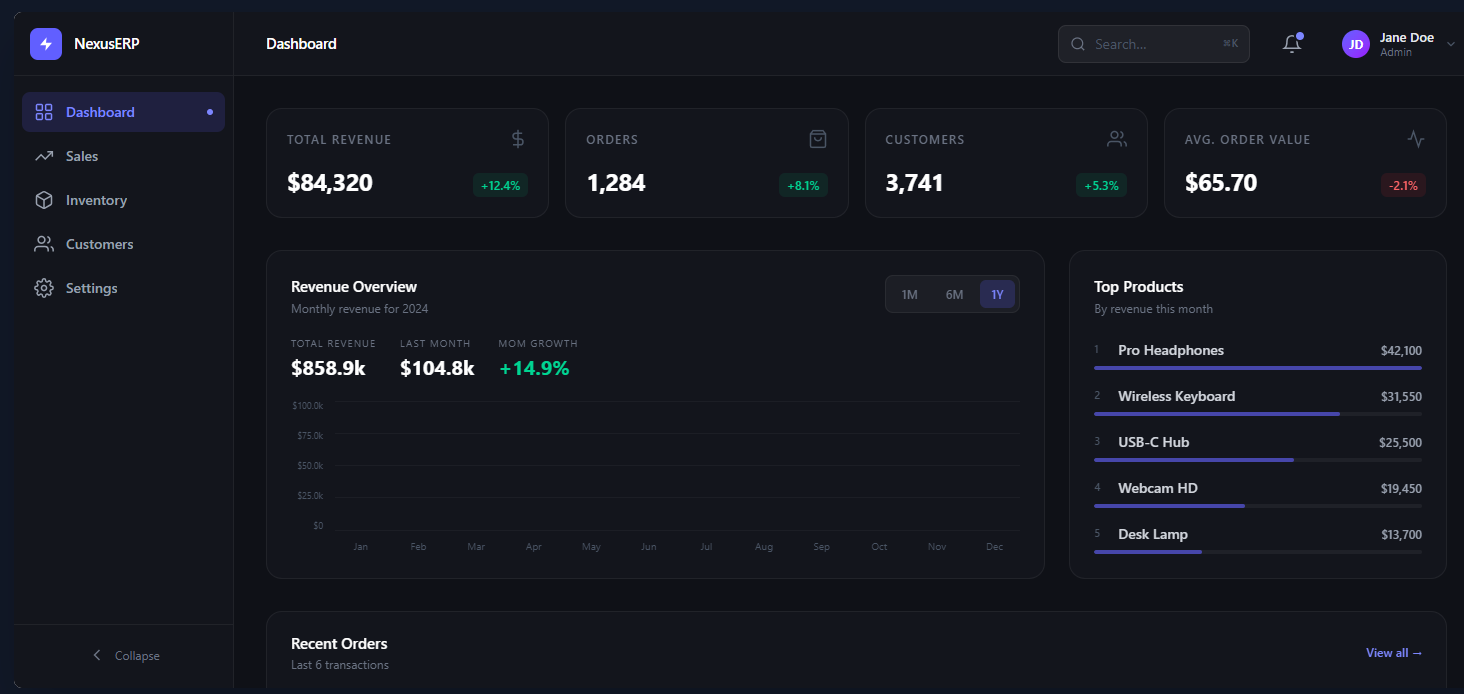
Supplied product screens · sample data
Details for technical reviewers. Architecture and acceptance criteria are agreed for the actual environment and project scope.
State and authorization checks precede approval. The example commits business records and their events together, while ERP synchronization runs separately from the approval transaction.
Concrete design decisions and acceptance scenarios to agree for the project.
ImplementationRecord versions, lock scope, isolation level
ValidationConcurrent approvals or deductions from the same stock
ImplementationRole, organization, and record-state conditions
ValidationDeny cross-organization reads, exports, and bulk edits
ImplementationMapping, reruns, amount and reference checks
ValidationRerun a partially failed import without duplicating records
Technology choices and acceptance criteria depend on discovery, integrations, and agreed scope. We define reproducible acceptance scenarios and handover evidence for the operating environment.
From visible features to failure conditions,
we work through the decisions before launch.
Connect submitted, reviewed, approved, rejected, and canceled transitions to roles, amounts, and organizational scope. Enforce invariants such as immutable finalized records or nonnegative inventory at API and persistence boundaries. Design corrections as explicit, attributable operations instead of allowing administrators to silently rewrite committed business history.
Choose optimistic version checks or targeted row locking and define retries for the selected transaction-isolation level. Where settlement or balances are involved, specify ledger entries and balancing invariants. Server idempotency and database constraints prevent a second commit independently of the interface’s disabled-button behavior.
Start with role-based permissions and add attribute conditions where organization, ownership, or record state matters. Apply the same scope to reads, exports, and bulk mutations. Define audit events for permission changes, delegated approval, and corrections, capturing actor, target, before-and-after state, and reason.
Analyze legacy code systems, duplicates, and gaps, then define mappings and rerunnable migration jobs. Reconcile amounts, quantities, and references as well as row counts. ERP and CRM contracts include event IDs, versions, retries, and failed-event handling, separating external availability from the integrity of committed internal transactions.
Understand your goals, workflows, and operating environment.
Define features, priorities, and integration requirements.
Build the agreed scope and review progress together.
Prepare testing, deployment, and operational handover.
Tell us what you want to build or improve
Our team will review your request and reply by email