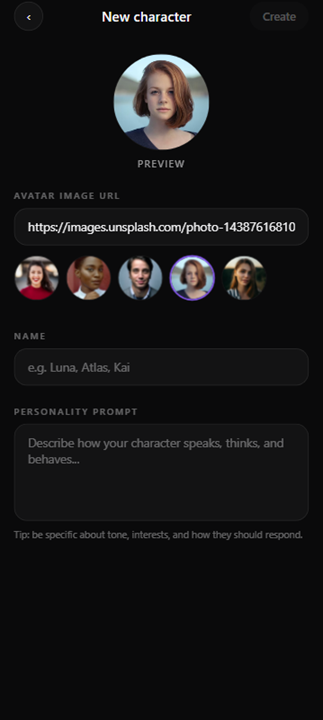
Apps & experience D14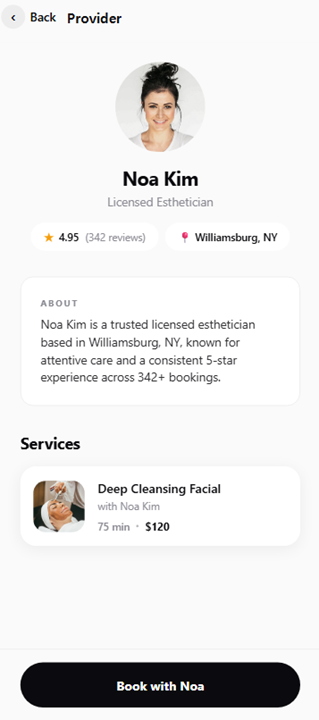 At-home service booking mobile app
Supplied product screens · sample data
Bring accounts, bookings, communities and chat into a coherent mobile experience
Choose native or cross-platform implementation around device and release requirements. Design local persistence, reconnection, session lifetime and push together.
Before listing features, we define the inputs, decisions and next actions in a real working situation.
An illustrative scenario. Specific processing rules are agreed for the project.
A customer changes a booking date.
Show confirmation and the updated booking
When customers return to a service frequently on their phones
Specific features, integrations and operating support are agreed in the project proposal
See the scope, role and supplied interfaces for each project
Details for technical reviewers. Architecture and acceptance criteria are agreed for the actual environment and project scope.
The interface reads local state while mutations enter a queue with operation IDs. After reconnection, the client checks server versions, applies acknowledged writes, and handles conflicts before overwriting data.
Concrete design decisions and acceptance scenarios to agree for the project.
ImplementationOperation ID, local outbox, server version
ValidationProcess death, reconnect, replay, and edit conflicts
ImplementationPermission-specific denial and revocation paths
ValidationRevoke camera, BLE, or notification permission mid-flow
ImplementationSupported clients and API deprecation policy
ValidationAn older app connects to the updated backend
Technology choices and acceptance criteria depend on discovery, integrations, and agreed scope. We define reproducible acceptance scenarios and handover evidence for the operating environment.
From visible features to failure conditions,
we work through the decisions before launch.
Compare Flutter or React Native with Swift and Kotlin against actual platform requirements, not just code reuse. Review APIs and permission lifetimes for BLE, camera, background work, push, and biometrics. Isolate native bridges from interface logic and validate performance, battery behavior, and denied permissions on the target device set.
Use a local store such as SQLite as the interface read path. Attach an operation ID, record version, and retry state to each mutation. The server detects replay and uses optimistic concurrency to expose conflicting edits. Choose merge, server-authoritative, or user-review behavior by business rule; reconnecting must not silently overwrite a newer record.
Keep tokens in platform-backed secure storage and define revocation on sign-out, expiration, and device changes. Model push tokens separately from user identity and device registration. Recheck authentication and resource permissions when a deep link opens a screen. Restrict diagnostic fields so passwords, access tokens, and personal data do not enter logs.
Store review and user adoption create a period with multiple live client versions. Define additive API changes, deprecation, and minimum supported versions. Plan local migrations, feature flags, staged rollout, and an emergency disable path. Separate crash, network, and synchronization signals, and test older supported clients against the new backend.
Understand your goals, workflows, and operating environment.
Define features, priorities, and integration requirements.
Build the agreed scope and review progress together.
Prepare testing, deployment, and operational handover.
Tell us what you want to build or improve
Our team will review your request and reply by email